
On keeping
Is FamilySearch Memories private? How to check who can see a memory
Part of: How to preserve family stories, voices, and everyday memories
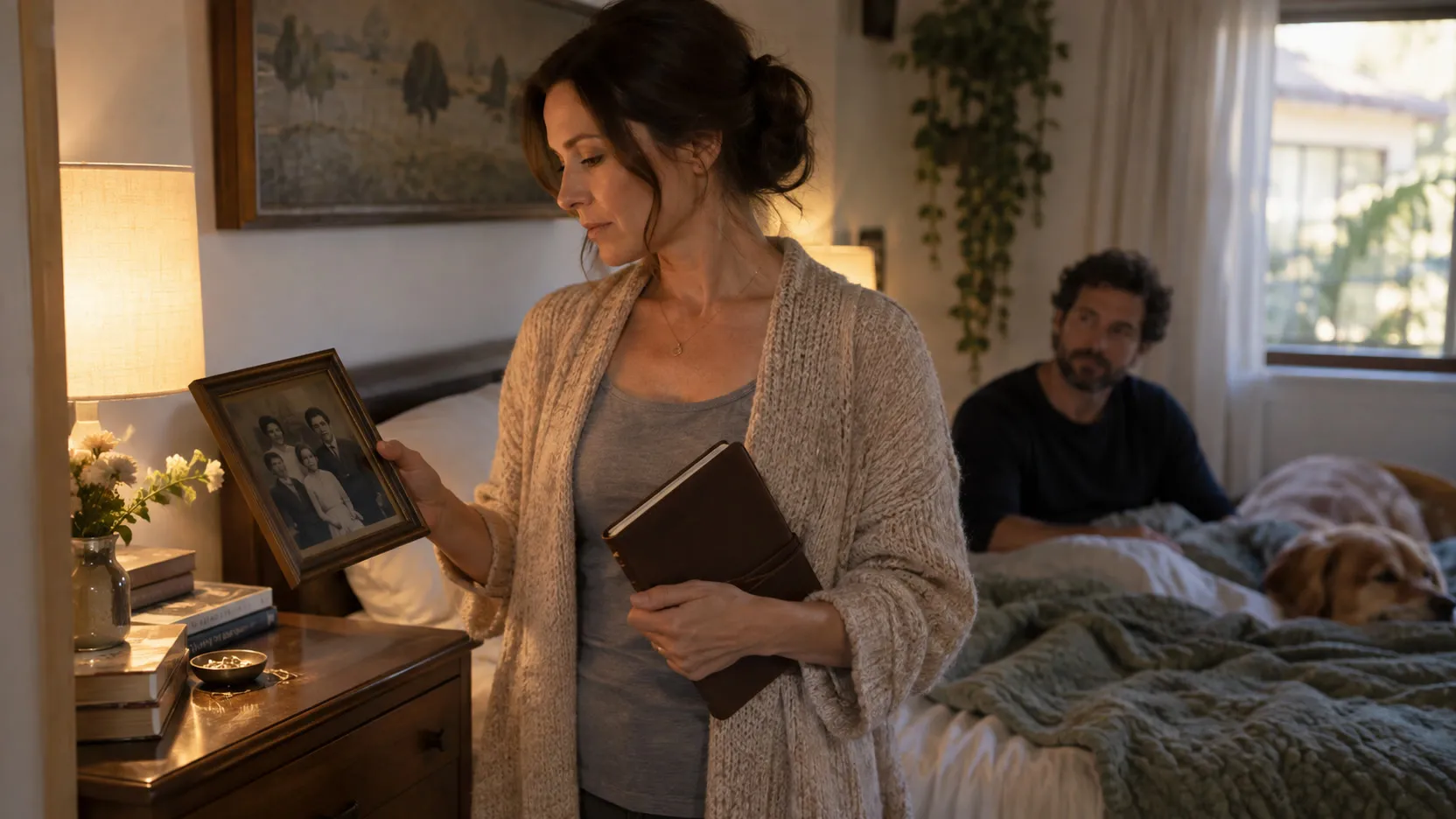
FamilySearch Memories can be private. Its current upload instructions say new memories are private by default. You can make a memory public or share a private memory with selected family groups. Before adding something personal, open that particular memory and check its visibility rather than assuming that every item has the setting you want.
Correction, October 16, 2026: an earlier version of this article described Memories as public by default. That blanket statement does not match the current upload instructions. I’ve corrected it and added the steps below.
I think of family keeping as two pieces of furniture: a museum and a nightstand. The museum holds the portraits, scanned letters, and stories cousins should be able to find. The nightstand holds the unfinished question, the tender entry, the experience that belongs to one person and God. Both matter. But the furniture is a metaphor, not a description of a service’s privacy settings: FamilySearch supports private memories too.
Public, private, and shared with a family group
FamilySearch’s visibility guide describes these choices:
- Public: anyone can see the memory. Choose this only when the material is meant for public viewing.
- Private: only you can see it, unless you deliberately share it with a family group.
- Family-group sharing: set the memory to Private first, then choose the family group or groups that should have access.
A living person’s tree profile and a memory are separate things to check. FamilySearch’s guide to living people describes limited visibility for living-person profiles and recommends reviewing the memories themselves. A private profile is not a substitute for checking the attached photograph or story.
How to check or change visibility on the website
These steps follow FamilySearch’s visibility guide, reviewed on October 16, 2026:
- Sign in to FamilySearch and choose Memories → Gallery.
- Open the memory you want to review.
- Find the Information panel on the right.
- Under Visibility, select the pencil icon next to Public or Private.
- Choose the setting you want and select Continue to confirm it.
- To share privately with family groups, set the memory to Private, then select Choose Group and choose the intended groups.
Open the item again after saving and check the displayed visibility and any chosen groups. Repeat for other items you are concerned about; changing one memory is not a review of the rest of your collection.
How to check in the mobile app
In the Memories or Family Tree app, open a memory, tap the three dots, then Details. Review the setting under Visibility and save any changes. Labels can vary as the app changes; the official instructions are the place to check if your screen differs.
Before uploading a new item, review the visibility offered in the upload flow too. Don’t use a sensitive story as a test upload. Start with something harmless while you learn the controls.
What belongs in the shared collection?
One question helps me sort almost everything: who is this for?
If the answer is the family, including people not born yet, FamilySearch may be a good home. The pedigree photo, the recipe in Grandma’s handwriting, the interview you recorded on Sunday once she has agreed to its audience. Ask the living people involved before publishing their words or photographs, and choose visibility deliberately.
If the answer is me, or me and God, keep it in a place intended for that purpose. A private journal, an unfinished account of a difficult season, or a sacred experience does not need to become family-tree material simply because it is important. Keep an original copy somewhere you control, and make sharing a separate decision.
Where UNA fits
You don’t need UNA to make these choices. A notebook and a careful review of the tools you already use can honor them well.
UNA is for daily entries and personal reflections, with a Sacred Vault for experiences never sent to UNA’s servers. It does not currently connect to FamilySearch or import or publish memories there. This help page explains the boundary; future family features remain previews.
The point is to give each part of your family’s record an appropriate home, and to know who can open the door.